 Palworld
Palworld How to Play on Mobile Devices
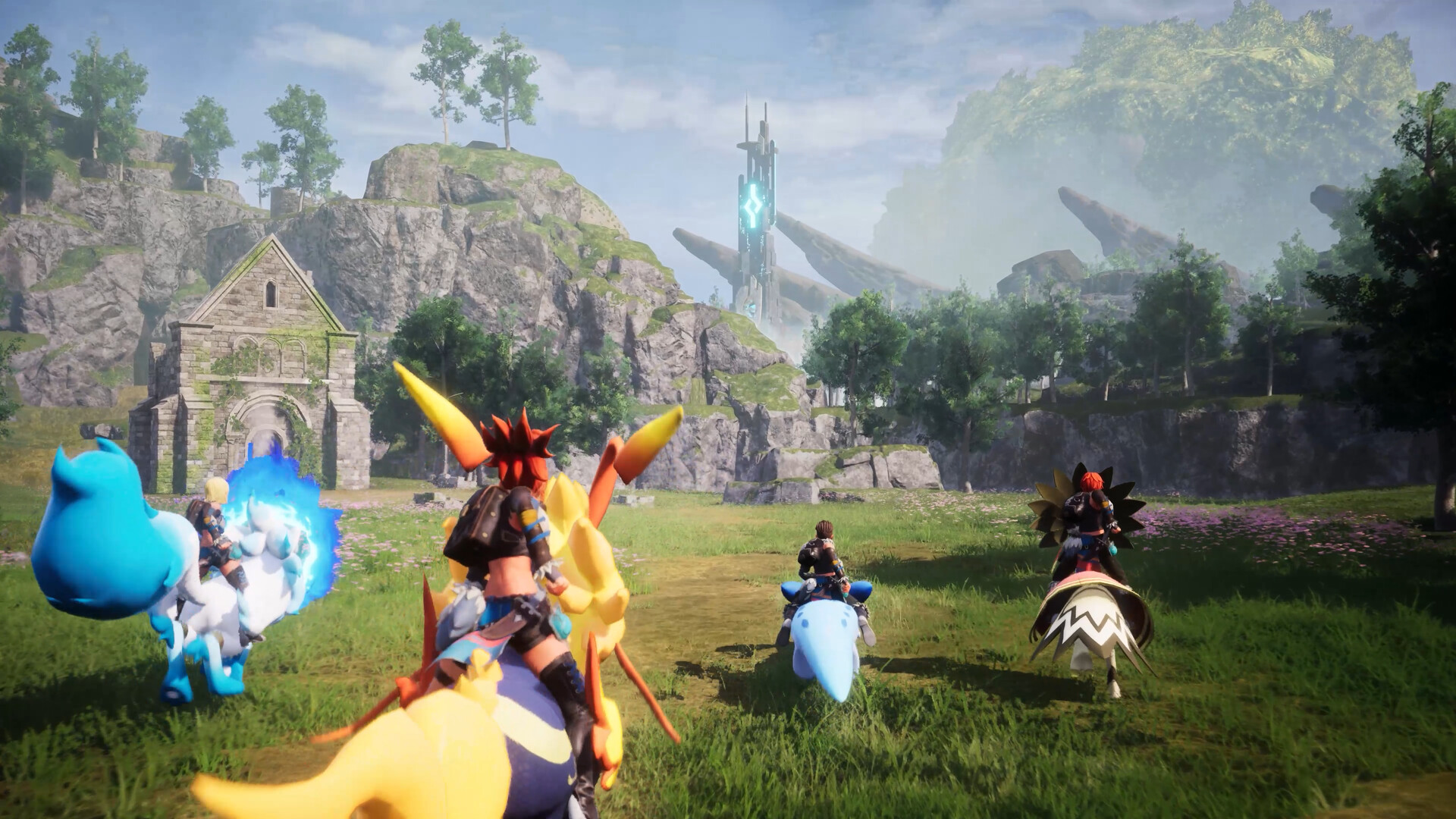
Quick Answer: Palworld does not have a native mobile version, so the practical way to play on mobile devices is remote play or cloud streaming from a PC or console you already own.
Data note: Live data unavailable at time of writing; check the KPI panel above.
Palworld is a creature-collection survival game from Pocketpair where you catch Pals, gather resources, build a base, and fight or automate tasks across an open world. Steam currently lists the game as Very Positive with 94.4% positive across 446247 reviews and shows 472641 players in game right now Source. It is also reported as Platinum on ProtonDB and Verified on Steam Deck Source, which matters because mobile play usually depends on streaming from a machine that can run it well.
What Mobile Play Actually Means
Playing Palworld on mobile devices means streaming the game, not installing a native phone app. The cleanest setup is a PC or console running the game at home, then a mobile client handling the video feed and touch or controller input. In practice, that gives you three workable paths: in-home remote play over Wi-Fi, internet-based streaming away from home, and controller-first play through a mobile browser or app. It does not mean the game is redesigned for portrait phones or simplified controls.
For most players, the experience works best when you think of the phone or tablet as a display and input terminal. That distinction matters because Palworld asks you to manage combat, base building, inventory sorting, and traversal at the same time. Even if your stream is stable, the UI density can still be the limiting factor. A phone can handle a quick base check, a breeding pen reset, or a short material run. It is much less forgiving for boss fights, long dungeons, or precise building work where camera movement and menu navigation both matter.
Three realistic mobile use cases stand out:
- Short maintenance sessions: collecting from farms, assigning Pals, repairing gear, and dropping off materials.
- Low-risk exploration: marking ore nodes, checking fast-travel points, and scouting a new region.
- Turn-based planning outside combat: reorganizing storage, checking tech unlocks, and deciding what to craft next.
What mobile play is not, at least today, is a substitute for a proper PC session when you are doing high-pressure work. If your goal is to play Palworld away from your desk, treat the mobile setup as a convenience layer. If your goal is to learn the game efficiently, do the first hours on a larger screen, then use mobile streaming once the core loop is already comfortable.
First-Hour Checklist
Your first hour should focus on unlocking the survival loop, not on polishing a base that you will rebuild soon anyway. Palworld rewards fast momentum early because every basic system feeds the next one: gathering unlocks crafting, crafting unlocks tools, tools unlock better gathering, and captured Pals reduce the labor you need to do yourself.
1. Grab the nearest basics immediately
Start by collecting wood, stone, and fiber from the starting area, then craft the first tools the game allows. The early goal is not quantity for its own sake; it is unlocking a better gathering rhythm. In your first minutes, you want a pickaxe, an axe, and enough crude crafting capacity to keep the chain moving. If you find a campfire, a chest, or a dropped item bag nearby, treat that as bonus value, not the core plan.
Concrete early examples include:
- Cutting a few trees near spawn to cover wood for basic structures.
- Mining exposed stone piles or ore-like deposits to avoid hand-collecting everything.
- Looting low-threat containers before wandering deeper into the map.
2. Catch the first useful Pals you see
Your first captures should be utility-first, not aesthetic-first. A Lamball, Cattiva, or other early common Pal is useful because even a weak worker Pal reduces manual chores. You are looking for companions that can help with hauling, mining, handiwork, or fire-related tasks, depending on what you encounter first. Early combat catches matter too, but a team of serviceable workers accelerates progress faster than a flashy battle-only lineup.
A good early capture pattern is:
- Catch one or two easy targets close to your starting area.
- Keep a few spare Pal Spheres ready so you do not have to abandon a good opportunity.
- Replace a pure combat Pal later if you discover one with better base utility.
3. Build only the minimum base you need
Place a simple base near your early resource loop, then stop. The first base should solve storage, crafting, sleeping, and station access in one compact area. Overbuilding is a classic beginner trap because Palworld makes it easy to start a pretty base before you have the materials or Pal workforce to support it. Use a small, flat patch of land and keep your layout efficient.
A practical first base usually includes:
- A Pal Box or equivalent base anchor.
- A chest or storage point close to crafting stations.
- The most basic production stations you can support right away.
- Beds or resting space if the game’s current progression path makes that available to you.
4. Unlock the tech that reduces friction
Spend your earliest unlocks on quality-of-life items, not vanity. Prioritize anything that improves movement, storage, gathering, or primitive production. A beginner who rushes decorative objects usually ends up spending more time walking back and forth than actually advancing. If a recipe helps you carry more, craft faster, or survive longer, it is usually worth more than a prettier wall segment at this stage.
5. Make one deliberate combat check
Before the hour is over, fight something that is slightly beyond the weakest roaming threats so you can learn how Palworld handles dodging, stamina, and companion damage. The point is not to win a heroic battle. The point is to understand how much punishment you can take, how quickly your weapon degrades, and how often you need to pull back and heal.
A solid first-hour habit is to leave the tutorial mindset behind quickly: collect, capture, craft, test. That loop is the heart of the game, and learning it early makes mobile streaming easier later because you will already know what actions are worth doing during short sessions.

You might also like
- Palworld Beginner Guide: First Steps, Resources, and Common Mistakes
- Palworld Legendary Blueprints in the Version 0 2 0 6 update: Beginner Guide
- Palworld All Player Attack Boosting Partner Skills Beginner Guide
- Palworld Beginner Guide: First Steps, Priorities, and Common Mistakes
- Palworld What Carries Over to Version 1 0 Beginner Guide
Resource Priority Order
Your resource priority should favor mobility, capture power, and base efficiency before luxury spending. In Palworld, early hoarding is only useful when it protects flexibility. If you stockpile everything evenly, you usually end up unable to craft the one item that would have improved your next hour.
| Priority | What to focus on | Why it matters early | Examples |
|---|---|---|---|
| Highest | Materials for tools, ammo, and capture items | These directly expand what you can do | Wood, stone, fiber, Pal Spheres |
| High | Storage and crafting support | Prevents inventory clutter and downtime | Chests, workbenches, basic stations |
| Medium | Base-building materials | Useful once your loop is stable | Foundations, walls, roofs, beds |
| Medium | Healing and survival items | Keeps exploration from being cut short | Food, restorative items, repair materials |
| Lower | Decorative and experimental spending | Good later, poor early return | Cosmetic structures, oversized layouts |
The best way to think about resources is by function. If a material helps you gather faster, catch more Pals, or move safely between tasks, it deserves priority. If it only makes the base look finished, it can wait until your economy is stable. Wood and stone are the obvious early examples because they appear everywhere and keep every basic process alive. Fiber is equally important because many low-tier recipes depend on it, and new players often underestimate how quickly it disappears once you start making capture tools and small utility items.
Hoarding should be selective, not blanket behavior. Keep enough of the common building materials to avoid hard stops, but do not carry random stacks of every item “just in case.” That approach fills your inventory, makes mobile inventory management annoying, and slows down your map loop. The same logic applies to Pal-related materials. If a drop is tied to a craft you already use, keep it. If it is only for a recipe you cannot unlock yet, hold a small reserve and move on.
Spending should follow a simple hierarchy: first on better gathering, then on capture efficiency, then on base durability. A stronger tool or a better capture supply usually gives you more progress than an extra wall segment. One concrete example is choosing to craft a few more Pal Spheres rather than a decorative upgrade, because the captured Pal often pays back its cost immediately through labor or combat support. Another example is crafting a better primitive workstation before expanding the base footprint, because the station increases output without increasing maintenance. A third example is investing in carry or traversal improvements when the map begins to stretch your current route.
On mobile, this priority order matters even more because every menu action takes more effort than on a full keyboard-and-mouse setup. If you know what you are spending toward, you can finish a quick session cleanly instead of leaving your inventory half-sorted and your base half-built.
Common Mistakes
New players usually lose time in Palworld because they treat every system as equally urgent. The game does not reward that approach. It rewards a narrow early focus, then gradual expansion once your basic loop is stable. These are the mistakes that most often slow down beginner progress.
- Building too large too early: Players do this because the base editor feels immediately available and the game encourages creativity. Fix it by starting with one compact production hub, then expanding only after you have enough worker Pals and stored materials to keep it active.
- Capturing without checking utility: New players often catch whatever is nearby and assume all early Pals are equally useful. Fix it by prioritizing one or two Pals that improve hauling, mining, handiwork, or straightforward combat before filling your roster with duplicates.
- Ignoring storage until inventory is full: This happens because early resources seem small and temporary. Fix it by placing storage immediately next to your crafting stations and making a habit of depositing materials after every short gathering run.
- Over-spending on decorative structures: Beginners often want their first base to look finished right away. Fix it by spending on tools, capture supplies, and station unlocks first, then making the base attractive once production is stable.
- Exploring too far before the loop is ready: Players get pulled by the map and chase distant landmarks too early. Fix it by anchoring your first sessions around nearby resource loops, local Pals, and a safe return route to base.
- Forgetting to test combat and stamina early: It is easy to focus only on building. Fix it by taking a controlled fight against a manageable enemy so you understand how dodging, repositioning, and recovery feel before the game escalates.
A useful rule is to ask whether a mistake creates more walking, more crafting friction, or more death recovery. If it does, it is probably a beginner error. That lens works well across both desktop play and Palworld How to Play on Mobile Devices use cases, because remote sessions are especially punishing when you waste time in menus or overcommit to the wrong build path.
Common Mistakes
Mistake 1: Treating the first base like a permanent home
The first base is a workshop, not your final architectural project. Many players sink time into a scenic layout before they understand how often they will need to rebuild around better resources or better terrain. The fix is simple: keep the first base compact, flat, and practical, then move or expand once your production actually demands it.
Mistake 2: Saving every rare-looking item
Players hoard because they do not yet know what a material is for. That habit clogs storage and delays useful crafting. The fix is to keep a small reserve of unknown materials, but spend the obvious common resources on tools, capture items, and stations that increase progress immediately.
Mistake 3: Underusing worker Pals
A lot of beginners treat Pals as combat pets first and labor units second. That leaves too much manual work on the player. The fix is to assign Pals to the jobs they are good at in your current base loop, such as gathering, hauling, mining, or handiwork, and then reorganize when a better Pal appears.
Mistake 4: Focusing on one activity for too long
Grinding only combat, only building, or only catching creates bottlenecks elsewhere. The fix is to rotate through a simple loop: gather, craft, catch, upgrade, and repeat. That keeps the base fed and prevents one missing material from blocking the rest of your progression.
Mistake 5: Using mobile streaming for complex setup work first
Mobile play is convenient, but it is not the easiest way to learn the game’s densest systems. The fix is to do your initial configuration, keybind learning, and long inventory sessions on a larger screen, then use the mobile device for short maintenance runs and light exploration.
Pro Tips
Tip 1. Use short-session goals when you stream from mobile
When you only have a few minutes on a phone or tablet, set one objective before you launch: collect one resource type, clear one nearby camp, or restock one crafting station. That prevents the kind of drifting that makes remote play feel slow and messy.
Tip 2. Keep your base centered on a repeatable route
A base near your common gathering path saves more time than a prettier location with fewer practical anchors. A good example is putting storage close to where you unload wood, ore, or Pal drops so you can finish a circuit without crossing the whole settlement.
Tip 3. Catch duplicates only when they improve the work roster
If you already have a Pal doing a job well, only catch another copy when it meaningfully helps that role or gives you a useful battle option. This is especially important early, because duplicate management consumes the same inventory and organization time you need for progression.
Tip 4. Reserve one slot in your routine for repairs
Weapon wear and tool degradation are easy to ignore until they interrupt a session. Build the habit of checking durability after a trip, after a boss attempt, or after a long gathering loop, then repair before heading out again.
Tip 5. Turn every scout run into a mapping run
When you head out for materials, also note safe retreat paths, fast-travel access, and nearby threats. Even if you do not engage, that information pays off later when you need to return quickly from a remote area or plan a longer capture trip.
Tip 6. Use new captures to solve one bottleneck at a time
A new Pal should usually have one job attached to it the moment you bring it home. For example, a worker Pal can reduce hauling, a combat Pal can widen your safe travel radius, and a utility Pal can keep a station running without your direct input. The more specific the role, the faster the capture pays off.
Graduation Threshold
You are out of the beginner phase when your base, capture routine, and travel loop all work without constant manual cleanup. In practical terms, that means you are no longer reacting to every shortage as an emergency. You can leave your base, come back, and find production still functioning; you can catch a new Pal and know exactly whether it improves combat, labor, or movement; and you can move across the map without feeling like every trip is a rescue mission.
A few concrete signs show that you have crossed that line:
- You can support a steady crafting loop without pausing to gather every single ingredient by hand.
- Your early team includes at least one Pal that clearly helps with work, not just fighting.
- You have enough storage discipline that your inventory is not a constant problem.
- You know which resource is currently limiting you and can fix that limit on purpose.
- You have a repeatable answer for healing, repairing, and resupplying after a trip.
Another way to judge readiness is by decision quality. Beginners ask, “What can I make right now?” Intermediate players ask, “What should I be making next?” Once you are asking the second question regularly, you have moved past the beginner phase. At that point, the game becomes less about survival basics and more about optimization: better routes, better Pal assignments, better build placement, and better capture planning.
This is also the point where Palworld How to Play on Mobile Devices becomes especially practical. If your systems are already organized, a mobile session can be enough to collect finished goods, adjust assignments, or make a quick supply run. Without that organization, the remote setup becomes friction-heavy because every small task competes with a larger housekeeping problem.
Related Guides
- Palworld Best Early-Game Pals
- Palworld Base Building Guide
- Palworld Breeding Guide
- Palworld Fast Leveling Guide
- Palworld Boss Walkthrough Guide
- Palworld Resource Farming Guide
Sources
- https://store.steampowered.com/app/1623730/
- https://www.protondb.com/app/1623730/
- https://howlongtobeat.com/?q=palworld
- https://www.cheapshark.com/redirect?dealID=S%2FkqUwkJLEuSSO1UYuDdRnNqynKsJK2X00%2FHfWw8yi0%3D
- https://steamspy.com/app/1623730/
- https://www.speedrun.com/Palworld
- https://steamcommunity.com/stats/1623730/achievements
- https://en.wikipedia.org/wiki/Palworld
- https://www.xbox.com/xbox-game-pass
See also
- Palworld Fastest Flying Mounts: Best Flying Pals to Unlock in Order
- Palworld Beginner Guide
- Palworld All Player Defense Boosting Partner Skills: Beginner Guide
- Palworld Version 1 0 Release Time and Countdown Beginner Guide
- Palworld List of Pals that Improve Carry Capacity: Beginner Guide
- Palworld Beginner Guide
- Palworld All Pal Attack Boosting Partner Skills Beginner Guide
- Palworld Best Player Builds Main Character Builds for Beginners
- Palworld Beginner Guide: Tides of Terraria New Islands and Location
- Palworld How to Get a Level 5 Work Suitability Pal
Screenshots



Reviewed by
Palworld Guides Editorial
Expertise: Editorial team behind Palworld Guides. Content is compiled from official patch notes, community wikis, and playthrough notes, then reviewed and updated on schedule.
Sources
Palworld Progression Guides →
Browse the complete progression collection and its focused guides.
Related Guides




🔥 Popular Guides
Idiosyncratic Passive Skill Palworld — Effect, Stacking & Best Pals
Idiosyncratic boosts a Pal's unique trait in Palworld. Learn the exact effect, whether it stacks, which Pals have it, and when to keep or breed it out.
Palworld Hartalis Slab Fragment Beginner Guide
Learn what Palworld Hartalis Slab Fragment is, how to handle it, early priorities, mistakes to avoid, and when you’ve outgrown beginner status.
Palworld Feathered Hair Band Beginner Guide
Learn what the Palworld Feathered Hair Band does, how to use it early, what to craft first, and when you leave beginner stage.
Palworld Beginner Guide: Palworld All Pal Stats Basics
Learn early priorities, common mistakes, and when Palworld beginners are ready to move past the opening phase.
📋 Patch Notes & Updates
🛠️ Popular Tools
Was this guide helpful?
Rate this guide so we can improve it.
Share your own tip
Found something not in the guide? Submit it below — our editors review every tip before publishing. No account required.